Email at
Light Speed
Hyperdrive delivers a modern, privacy-first email experience for people tired of Big AI. Useful intelligence, without handing over your inbox.
Free 7-day trial. No credit card required.

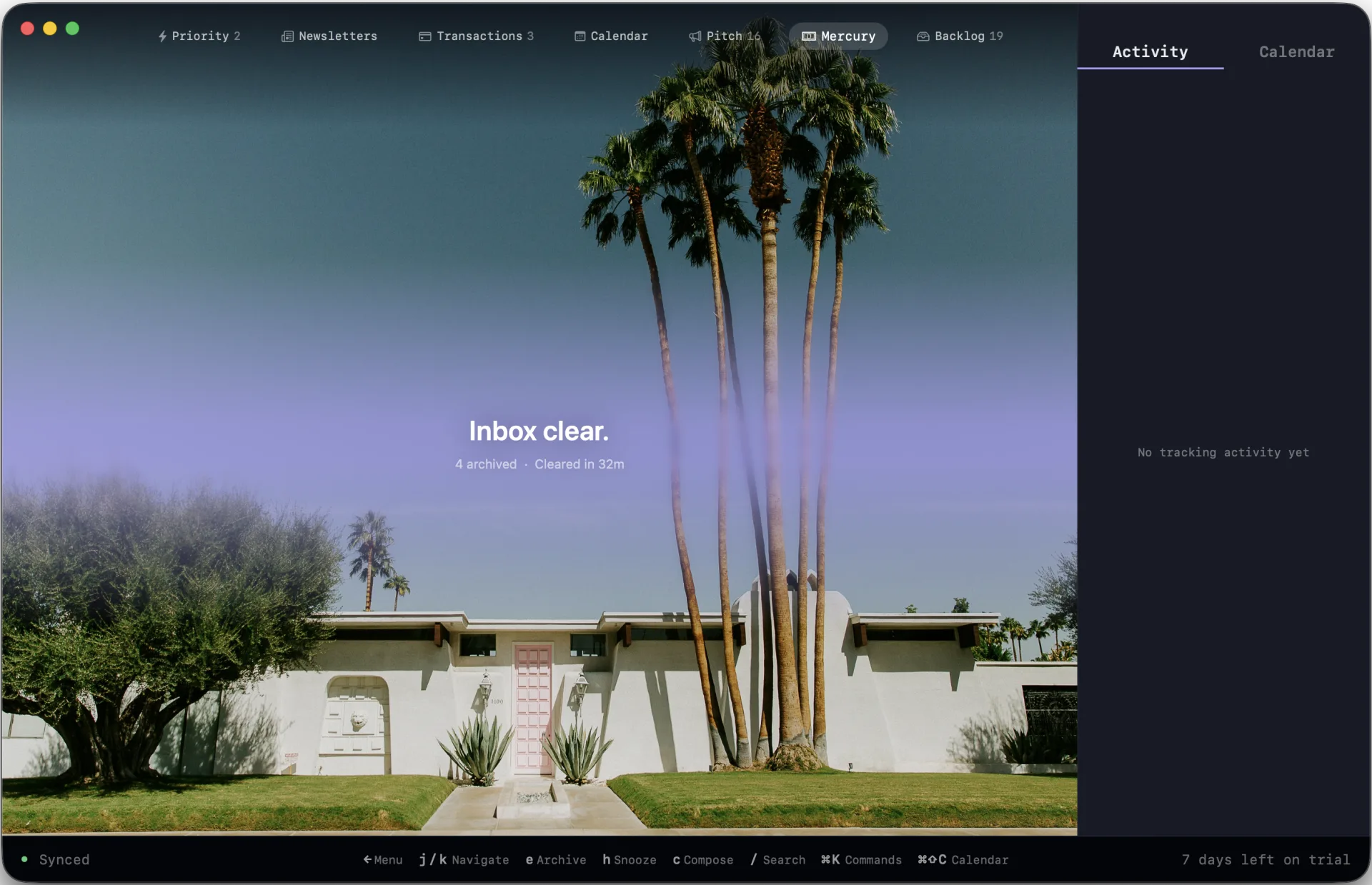
Inbox zero by 9:15am
Quit wasting time on a busy inbox. With Hyperdrive, every email sorts into its own lane, ready for action. You start with the emails that actually matter.
Premium value, half the price
Premium email clients charge $25/month or gate their best features behind higher tiers. Hyperdrive is $13.99/month with everything included. One plan, every feature, no tiers. 7-day free trial, no credit card.
Your inbox organizes itself
Onboard algorithms classify every email the instant it arrives into Priority, Team, Newsletters, Transactions, Calendar, and Updates. Cold sales pitches are auto-detected and routed out of your way. No rules to write. No filters to maintain.
Keyboard-first, not keyboard-optional
100+ shortcuts. A command palette (Cmd+K) that searches actions, contacts, threads, and settings. Navigate your entire inbox without lifting your hands.
No data centers, more privacy (and fresh water)
Your emails never read by Sam Altman.
Local AI, not cloud confession booth.
Most “AI-native” email clients are just your inbox shipped off to OpenAI. Hyperdrive uses on-device models for classification, summaries, writing, and automation, so your mail is not sent away for a “second opinion,” and your words are not used to train the next release. The intelligence is useful. The boundary is clear.
"But I NEED Claude!!"
Okay, we hear you! The default is private, local, and purpose-built for email. But for you AI-addicted psychos, plug in your API key for your provider of choice and go wild. Pick per-model settings and enjoy the full power of your preferred AI. Dario thanks you.
Scheduling links and a full calendar
Share your availability as a booking link. Recipients pick a time and the event auto-creates. Day, week, and month views in a sidebar. Create events from email threads. RSVP to invites without opening Google Calendar. Zoom and Google Meet integration.
Multiple accounts, one inbox
Manage multiple email accounts individually or in one single inbox. No more switching between tabs or apps. Stay organized and efficient.
Messaging apps and email in one inbox
Connect your Slack workspaces and read DMs, channels, and mentions alongside your email. Reply from the same keyboard. One triage flow, zero tab switching. Read/unread state syncs across devices.
Return to Inbox: Snooze, send later, reminders
Type "next Tuesday 9am" and the email vanishes until then. Schedule sends with Cmd+Shift+Enter. Set reminders on threads you're waiting on. Natural language parsing. No date pickers, no dropdowns. Cross-device sync.
Built native. Never a browser in disguise.
Hyperdrive is built as a real desktop app, not an Electron shell or webmail tab in a wrapper. It launches fast, stays responsive, and avoids the hidden Chrome process tax that makes modern email clients feel heavy.
How Hyperdrive compares
Local-first instead of server-round-trip
Gmail's web UI fetches every thread over the network. Hyperdrive stores your inbox locally — search returns results as you type, navigation doesn't wait on a server, and you can triage offline. Adds keyboard shortcuts, vector sorting, and a denser UI.
AI Provider: Google Gemini
Same speed, more features, lower price
Hyperdrive includes Slack integration, a full calendar with scheduling links, on-device ML classification, cold pitch filtering, and Zoom/Meet integration. $13/month vs $25/month.
AI Provider: OpenAI
Built for individual power users
Spark focuses on team collaboration features. Hyperdrive is built for individuals who process high volumes of email solo. One price, every feature, and your email stays on your Mac.
AI Provider: OpenAI
Built for Productivity AND Privacy
For email clients, CRMs, browsers, notes apps, and the rest of the modern productivity stack, “AI-enabled” has become the nice way of saying: your data now leaves the building. A cloud model gets bolted on, your work gets sent to OpenAI, and the vendor calls it magic.
At Hyperdrive, we are thinking about this problem differently.
We ship with a private, onboard LLM tuned for email, so summaries, classification, writing, and automation can happen locally. You get the benefits that LLMs bring without shipping your entire inbox to Google or OpenAI. Your emails are not scraped, retained, indexed, or used as training fodder for the next model.
The biggest model companies are under pressure to collect more data, justify massive valuations, win government contracts, and build increasingly larger, more intensive models. Their incentives point toward more centralization, not more privacy. Towards maximizing profit, not user well-being.
We think the better future is smaller, closer, more private, and specialized. And most importantly, it respects your data.